

Loyalty, Member Offers,
Tabs, Account and Royalty Calculations
Turn every purchase into a reason to come back.
Create flexible digital rewards such as Buy 9, get 1 free, Spend $200, receive $10 store credit, or include promotions tailored to your business.
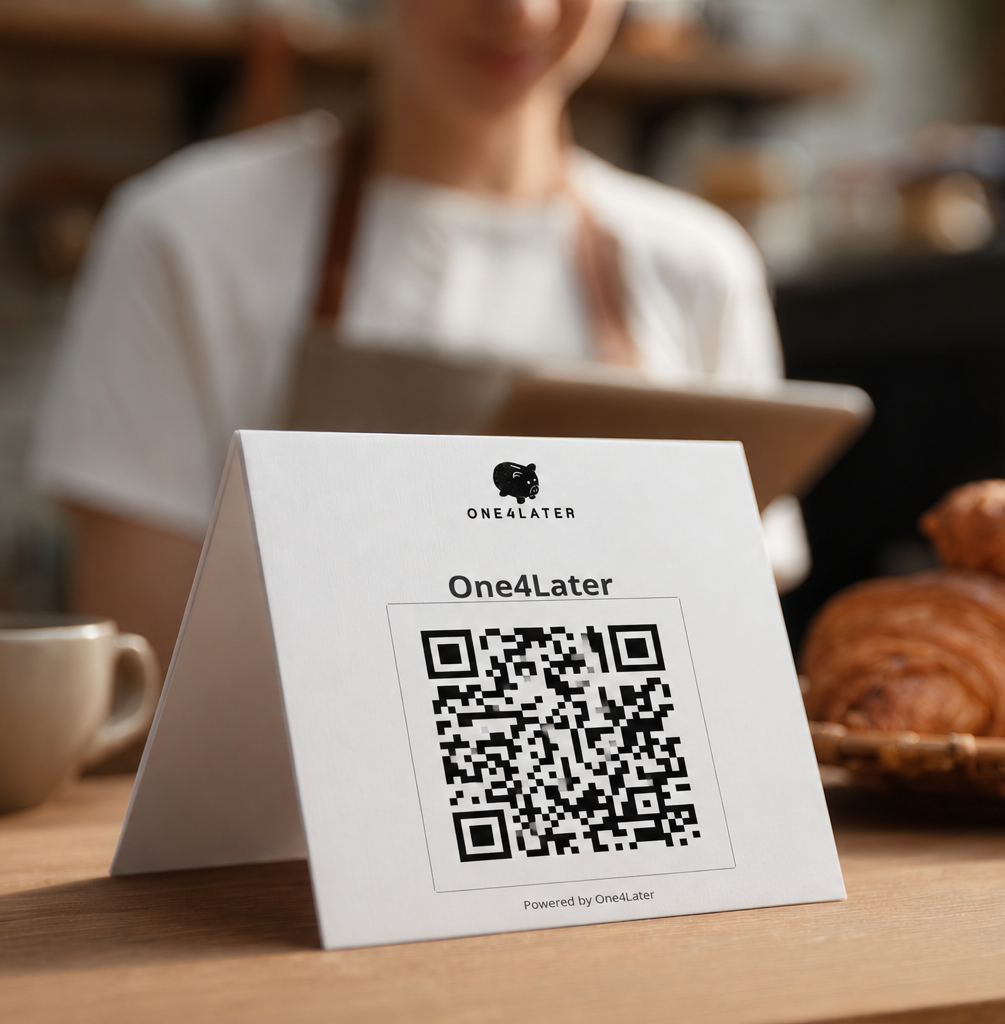
Customers sign up via a QR code scan, while One4Later integrates seamlessly with your Lightspeed (O-Series) POS to automatically track rewards and redemptions.
Smarter loyalty. Happier customers. More repeat business.
Digital Loyalty Cards
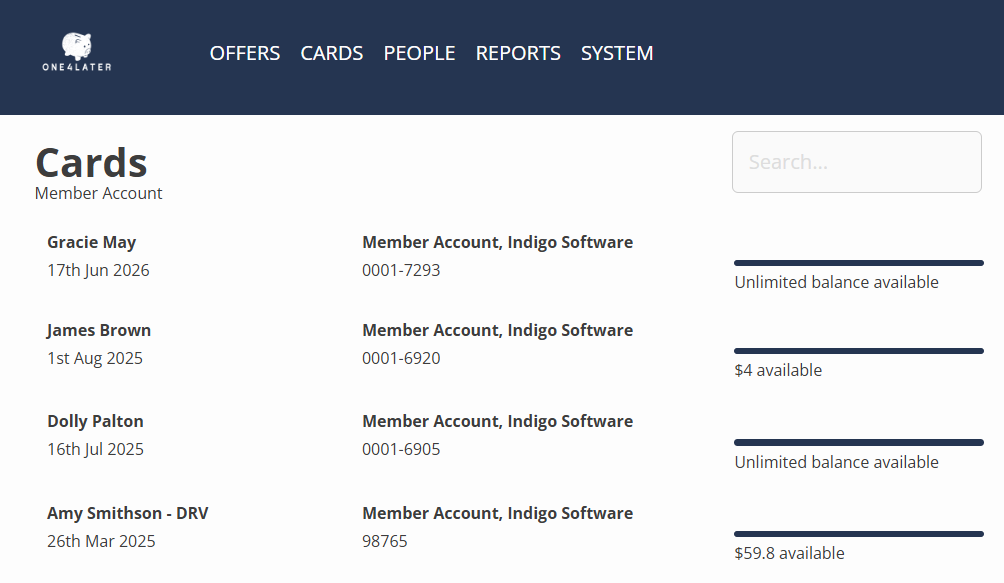
Offer your customers the convenience of loading funds onto a prepaid account for faster, hassle-free purchases.
Create and manage prepaid accounts directly from your POS. Customer balances are updated automatically as they spend, and top-ups can be processed in just a few clicks.
For trusted regulars, members or businesses offer an open account that is invoiced regularly with direct integration to Xero.
Ideal for functions, clubs, sporting organisations, cafés and golf clubs looking to simplify payments while encouraging customer loyalty.
Make Repeat Visits Effortless
Build Loyalty and Retain Customers
In today's competitive market, building customer loyalty is more important than ever. One4Later makes it easy to reward repeat customers with customised offers that integrate seamlessly with your Lightspeed O-Series POS.
Create classic rewards like Buy 9 Coffees, Get the 10th Free, or think beyond coffee with promotions such as Buy 6 Muffins, Get 1 Free. You can link loyalty offers to any product in your POS, giving you the flexibility to create rewards that suit your business.
Add a spend promotion on all or selected products to encourage customers to spend more - ie Spend $200 on Food, Get $10 Credit. Or create one off promotions offering $ or % off selected items. Limit to selected customers or all loyalty members.
Want to include an added reward for a loyal customer or quickly resolve a service issue? Instantly issue complimentary rewards such as 2 Free Hot Drinks or 1 Free Glass of Wine, or create personalised offers for your VIP customers.
Using our easy to use interface, choose which products qualify for each promotion and specify any exclusions.
Create digital vouchers for a fixed dollar value, individual products, or entire product groups—making promotions, giveaways, and customer rewards easier than ever.
Need some help getting setup? Reach out to our friendly support team who can get you underway in no time.
Royalty Calculations
Take the Work Out of Franchise Royalties
Running a franchise group? Still spending hours calculating royalties for every store?
The One4Later Royalties Module automates the process, calculating each store’s royalties based on total sales for your chosen period — saving time, reducing manual work and making invoicing easier.
Set up multiple calculations for royalties, marketing fees and other charges, with the flexibility to exclude fees already paid to third-party services such as Uber Eats.
Choose how often you want royalties calculated and, once complete, have invoices sent directly to Xero.
Calculate. Invoice. Done.
Less admin, fewer calculations and more time to focus on growing your franchise network.

Integrations
Start with your POS, then expand your capabilities by activating additional integrations or request a custom connection tailored to your business.
Redeem Offers in Just a Few Taps
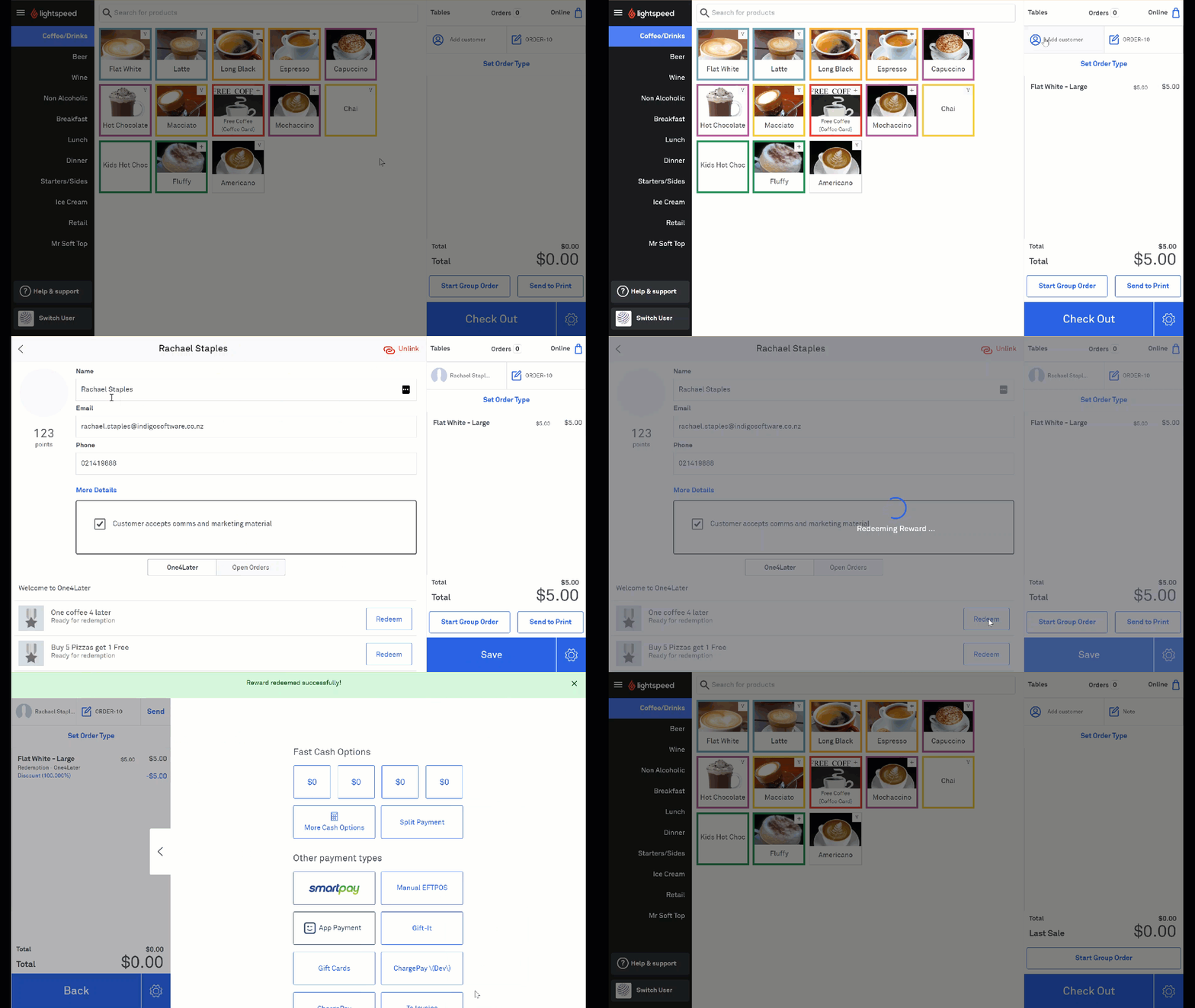
Redeeming an offer is quick and easy. Simply add the eligible item(s) to the order, add the customer, then tap REDEEM under the customer’s details.
The loyalty item will automatically be discounted from the sale.
It’s that easy!